
Employee Self-Service Options Via UCPATH Online Portal:
Enroll In Direct Deposit- UCPATH Portal
Enrolling in direct deposit means you'll receive your pay faster and more securely. You don't have to worry about updating your address when you move.
With UCPath, you can you can elect up to three (3) direct deposit accounts at different financial institutions. (Note that only one change may be made to direct deposit information per 24 hour period.)
Enroll in direct deposit in UCPath Online by navigating to Employee Actions > Income and Taxes > Direct Deposit.
Although your information will be saved in the system immediately, UCPath needs to verify your account with your banking institution before beginning direct deposit. Depending on the timing of your enrollment and pay cycle you may receive a paper paycheck in the interim period while UCPath verifies your account.
Enroll In Electronic W2
Visit UCPath and click on Employee Actions > Income and Taxes > Enroll to Receive Online W-2.
Verify your current status. If your current status says CONSENT RECEIVED, then you do not have to do anything – you are already enrolled.
If your current status is blank, then you must follow the directions on the screen to sign up.
Check that your email address is up-to-date.
Once signed up, all notifications about your W-2 and/or W-2c will be sent to your preferred email address on file. To update your preferred email on the UCPath Portal click on Personal Information > Contact Details > Email.
View W2 Electronically
For each year enrolled to receive your W-2/W-2c electronically, you will be able to view the document in UCPath. Navigate to Employee Actions > Income and Taxes > View Online W-2/W-2C.
Re-Open UCPATH Inquiry
Use this task to re-open a closed UCPath inquiry. A case can be re-opened up to three times within a period of 12 months (365 days) from the original closure date.
Dashboard Navigation: Ask UCPath or Menu Navigation: Help / FAQ > Ask UCPath
UCPC Job Aid- How to Re-Open a Case
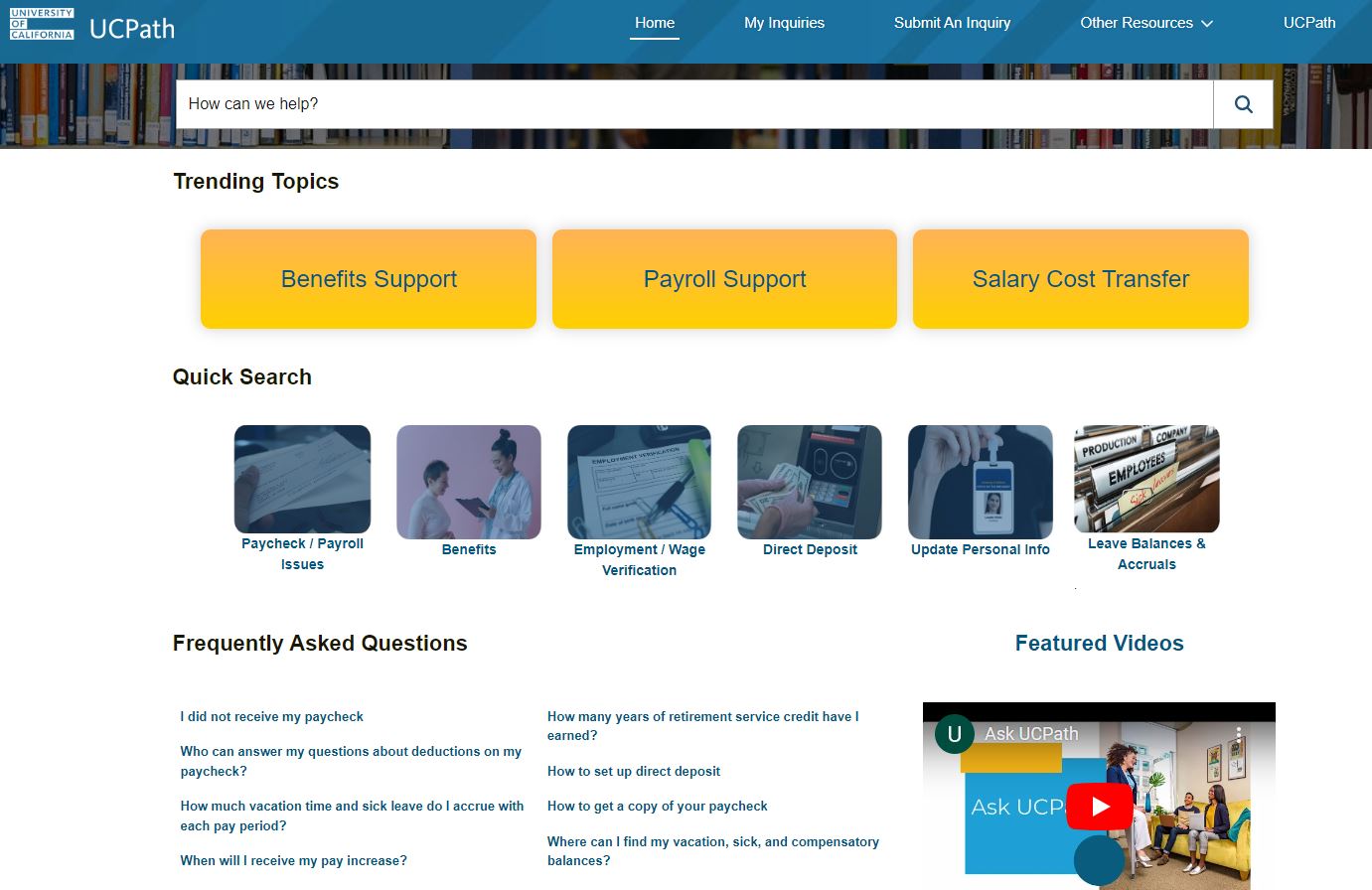
UCPath Center (UCPC)
UCPATH Center is the system-wide transactional hub for human resources, payroll, benefits, general ledger, workforce administration, and academic processes. Critical HR functions including hiring and retention, performance management, employee and labor relations, and other non-transactional business activities remain at the campus level.
All UC employees have access to the UCPath Center and its services. These services include:
- Routing, reviewing and accepting payroll, benefits and HR/AP transactions.
- Providing individualized support and customer service to all UC employees.
- Issuing all UC paychecks
- Learn more About UCPATH Center.
To contact the UCPath Center:
Please log in to the UCPath Online Portal and submit a question by clicking on the “Ask UCPath Center” button. You can also call 855-982-7284 (Monday–Friday, 8 a.m.–5 p.m. PST) to speak with an associate.
Visit the UCPath Center website.
The UCPath Online Portal gives employees access to UC employment information 24 hours a day, 7 days a week. Employees can log in to UCPath Online Portal from mobile devices, tablets, or computers, at work or at home. Employees have the ability to update personal information, add/update their direct deposit, update tax withholdings, enroll in benefits through their UCPath Online Portal.
